


This Domotz KB page explains how to configure your Zoom account so that Domotz can integrate with IT and retrieve information about rooms, devices, etc. allowing these details to be available within Domotz as well.
In Zoom
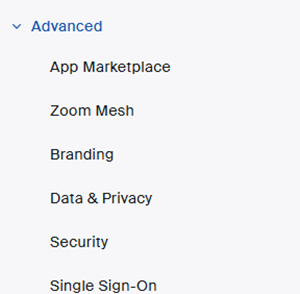
Login to zoom admin console. Navigate to Advanced -> App marketplace
On the top right, click on Develop -> Build app

A new window opens, select “Server to Server OAuthApp” and click on create

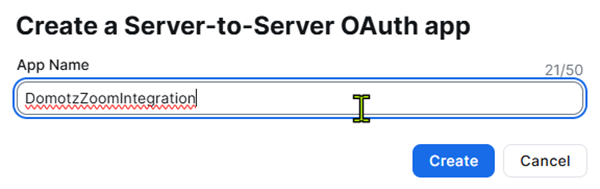
Name your application and click create
You can find the data you’ll need to call the app in the “App credentials” section
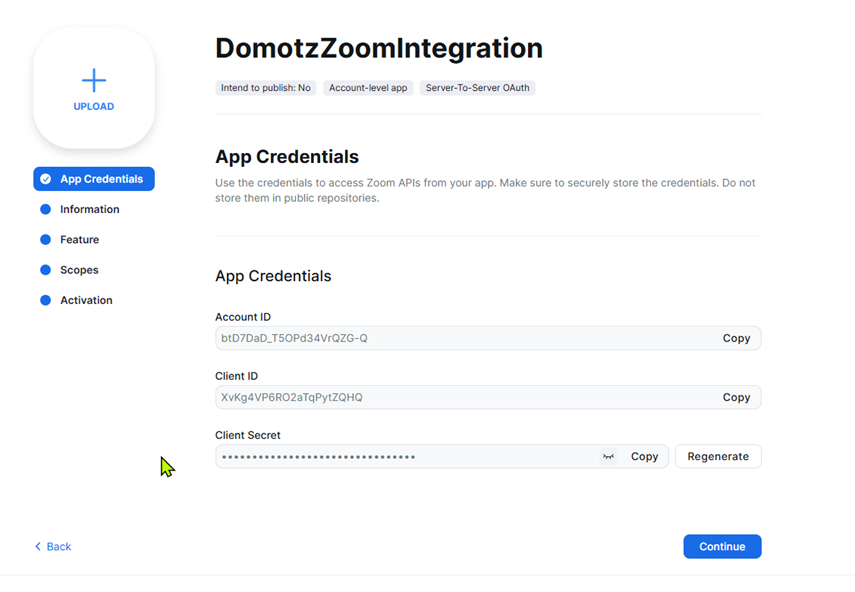
Before activating the application you have to provide:
1. Developer contact name
2. Developer contact email
3. Company name
4. Scopes
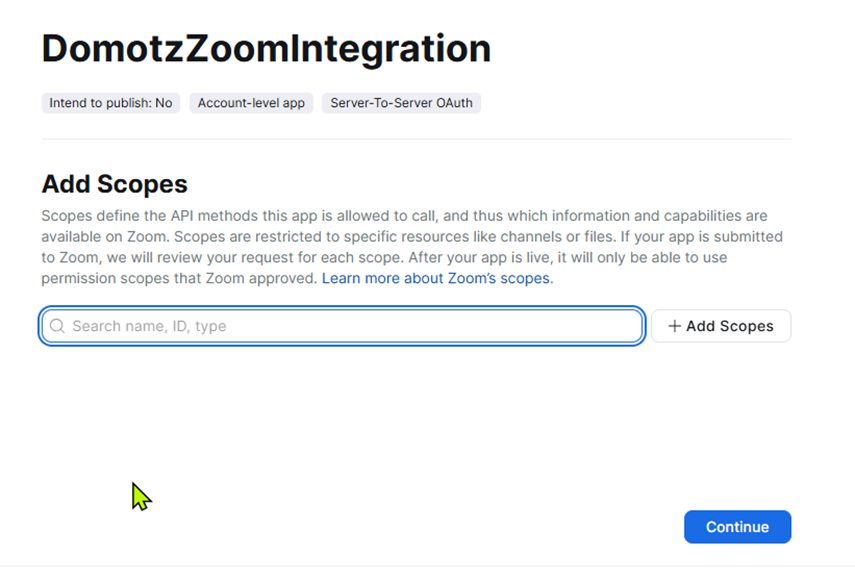
The integration driver require the scopes below
Scopes
Dashboard
View all users’ meetings information on Dashboard
dashboard:read:list_meeting_participants_qos:admin – View meeting participants’ quality of service
dashboard:read:meeting_participant_qos:admin – View a meeting participant’s quality of service
View all users’ webinar information on Dashboard
dashboard:read:list_webinar_participants_qos:admin – View webinar participants’ quality of service
dashboard:read:webinar_participant_qos:admin – View a webinar participant’s quality of service
View all users’ Zoom Room usage statistics and information
dashboard:read:zoomroom:admin – View a Zoom Room metrics
Devices
Manage device
device:read:list_zdm_devices:admin – list devices
Meeting
View all user meetings
meeting:read:list_meetings:admin – View a user’s meetings
meeting:read:list_past_participants:admin – View a past meeting’s participants
Room
View all users’ Zoom Rooms information
zoom_rooms:read:list_rooms:admin – View Zoom Rooms
zoom_rooms:read:list_devices:admin – View Zoom Room devices
zoom_rooms:read:sensor_data:admin – View a Zoom Room’s sensor data
zoom_rooms:read:room:admin – View a Zoom Room
zoom_rooms:read:list_calendar_services:admin – View Zoom Room calendar services
zoom_rooms:read:room_settings:admin – View a Zoom Room’s settings
zoom_rooms:read:room_control:admin – View a Zoom Room’s control
zoom_rooms:read:virtual_controller:admin – View a virtual controller
zoom_rooms:read:list_device_profiles:admin – View Zoom Room device profiles
zoom_rooms:read:location:admin – View a Zoom Room location hierarchy’s location
zoom_rooms:read:list_locations:admin – View Zoom Room location hierarchy’s locations
Visitor Management
View visitor management information
visitor_management:read:list_invitations:admin – List visitor invitations
Webinar
View all user Webinars
webinar:read:list_past_participants:admin – View a past webinar’s participants
Workspace
View workspace reservation information for the account
workspace:read:usage:admin – View workspaces usage