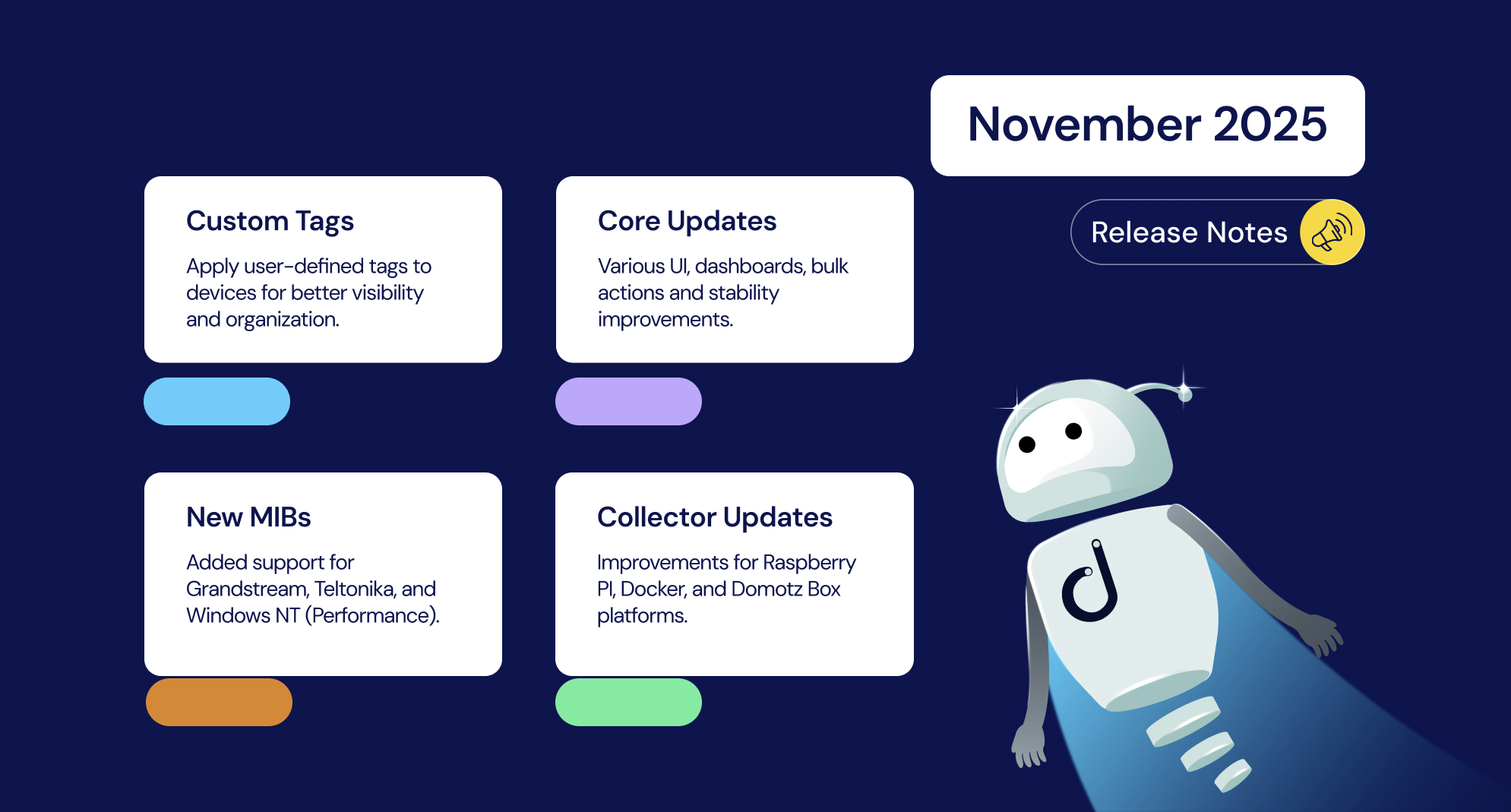


This month, we’re excited to roll out another highly requested feature from the Domotz community: Custom Tags. Designed for MSPs, IT teams, and AV integrators, this feature allows you to label and organize devices using flexible, user-defined tags. Whether you’re labelling specific groups of devices, building filters, or looking to automate your workflows, Custom Tags make it easier than ever to have Domotz work the way you do.
Alongside Custom Tags, November’s update delivers support for new MIBs, additional SNMP templates, UI improvements, and several key fixes across Collector workflows, integrations, and bulk actions. Let’s jump into what’s new.
New Features and Integrations
Custom Tags
As mentioned above, you can now tag devices with simple, free-form labels to support smarter filtering, faster grouping, and scalable automation. This flexible feature enhances visibility and organization across your environment without the need for rigid schemas.
Learn more about Custom Tags by reading our launch blog or visiting our help article for a guide and tips to get started.
Manual Topology Linking
In some situations, even though network devices are reachable on a given port, Domotz may not be able to automatically determine which device is physically connected. Now you can add manual links between devices to ensure the topology is configured to meet your specifications.
For full details, please visit our help article.
Enhancements
New MIBs
- Grandstream networking products
- Teltonika
- Windows NT (Performance)
SNMP Pre-Configured Sensors
- Poseidon Sensor Components
- Poseidon Dry Contacts Inputs
- Poseidon Dry Contacts Outputs
- Serial Number (from Entity MIB)
ConnectWise Integration
Updated auto-close behavior for bundled alert dependency tickets to avoid closing child tickets prematurely.
UI/UX Enhancements
- Unified design across side panels
- Reordered device list side menu actions
- Improved Collector installation modal (removed redundant “Software” title, fixed missing close icon)
- Updated link to Profile Help
- Removed Favorites filter from Collector Device List
- Renamed “Dummy Devices” to Logical Devices
- Enabled bulk “Unmanage Devices” from Device Lists
Integration Scripts
- Updated Microsoft Teams Device Status script to support single-device option
DHCP Insights
- Display DHCP request rate for Unmanaged Devices
Bulk Edit Improvements
- Restored missing bulk add to Managed/Unmanaged actions for Marketplace accounts
- Fixed broken “add to manage” on Device List
- Disabled bulk Shared Alert edit button for Collaborated Collectors
- Resolved issue preventing bulk set-to-managed for devices on different collectors
Fixes
Authentication & Access
- Fixed SAML/SSO login issues for specific accounts
- Fixed redirection bug during Collector activation when creating new accounts
- Resolved SAML/SSO configuration issue for RBAC users with correct permissions
- RBAC users with Admin/User Management can now reset 2FA tokens for team members
Permissions & RBAC
- RBAC users without “Contact Channels” can no longer access that section
- Non-RBAC users can now edit SNMP Authentication on sensor settings
- RBAC users without “Alert Profiles” permission can no longer view shared alerts
- Fixed bug where RBAC users marked as External Users were receiving weekly reports
- Fixed visibility issues for Shared Alerts based on RBAC permissions
Integrations
- Fixed ticket connection issues with Alert Dependency in Halo PSA
- Fixed missing PoE toggle in Ubiquiti USW-Pro-24-PoE
- Fixed outlet/driver issues for Tripplite PDUs
- Fixed unlock option missing for SurgeX PDUs
- Fixed PoE unlock/management for Pakedge PoE Switches
- Fixed PDU identification issues for Eaton, APC, and CyberPower
- Fixed port mapping for MikroTik devices
- Fixed missing Ubiquiti switches on Network Topology map
- Fixed issues using custom domains in ConnectWise with recently renewed certs
- Fixed ticket creation/configuration issue in Freshservice integration
Device Management & UI
- Fixed bug causing Inventory sidebar to stay visible after switching views
- Fixed Inventory looping UI bug when sorting
- Fixed Inventory Dashboard pagination disappearing on page change
- Fixed bug with Device Detail side panel not closing properly
- Fixed Device navigation from Security → Device Discovery
- Fixed delayed loading in Integration Scripts Editor for accounts with many Collectors
- Resolved Port Mapping visibility issues on Wi-Fi interfaces
- Fixed Alert Dependency sending notifications for Unmanaged Devices
- Fixed SNMP sensor UI not returning the “type” field in Public API
- Fixed gateway-internet edge details not opening on Network Topology
- Fixed Network Topology display issues for devices with grouped interfaces
- Fixed Monitoring Dashboard freeze when navigating device panels
- Fixed performance when filtering/searching alerts by Collector
- Fixed Collector Device List loading bug that misdirected row clicks
- Fixed overlapping rows in Collector Device List using Group By
- Fixed Collector Device List layout on mobile browsers
- Fixed multiple device identification inconsistencies
- Fixed interface mapping issues for Cisco Catalyst VLANs
Network Collector Updates
Version 7.8.0 – Linux Snap, Domotz Box, Docker
- Improved MIB discovery
- VPN on demand now functions as intended