
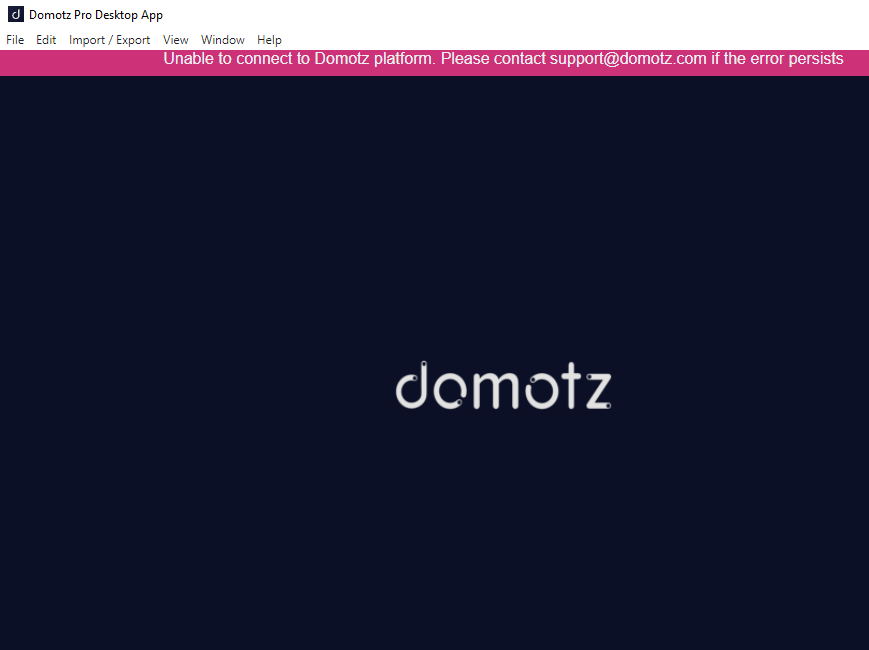
Domotz Pro Desktop App Connection Error
1. The top bar displays the message: "Unable to connect to Domotz platform. Please contact support@domotz.com if the error persists."
2. The application interface shows the Domotz logo in the center against a dark background.
3. The menu options at the top include File, Edit, Import/Export, View, Window, and Help.
4. If you encounter this error, check your internet connection or contact Domotz support using the provided email.
If this error occurs you might:
1) Update your Desktop app at its latest version.
To do that please go to the Domotz Portal and download it and install it.
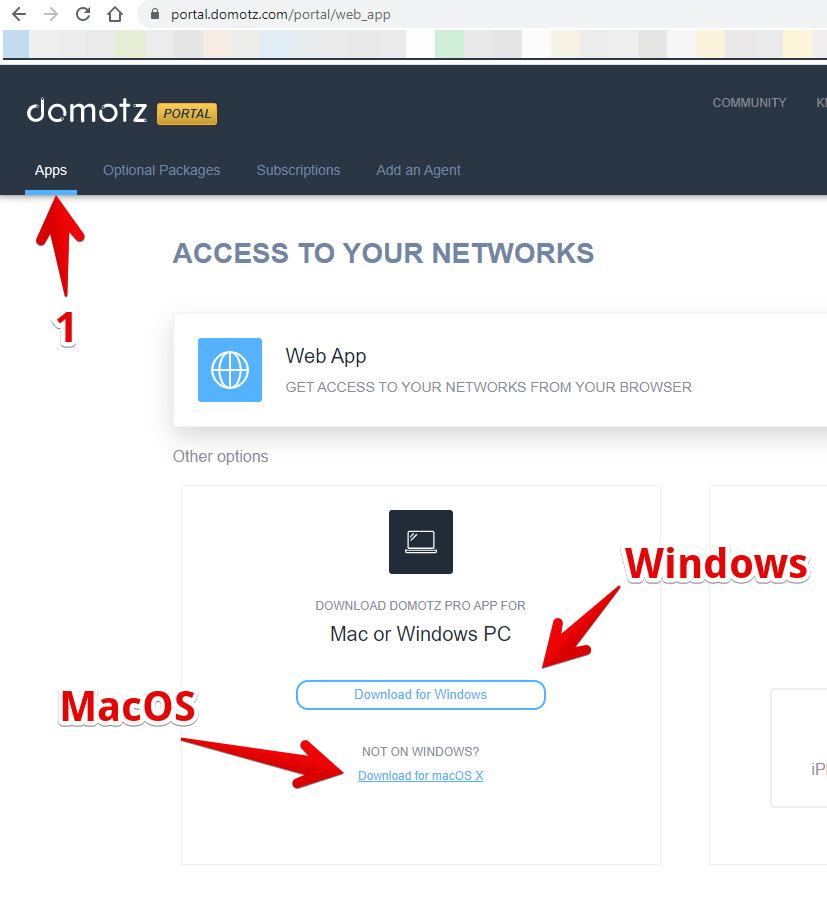
Downloading the Domotz Pro App for Windows or macOS
1. Click on the "Apps" tab in the top navigation bar to access application options.
2. Under the section "Download Domotz Pro App for Mac or Windows PC," choose your operating system:
- Click "Download for Windows" for Windows installations.
- For macOS installations, click "Download for macOS X" located below the Windows option.
2) If option 1 does not solve your issue you might check that outgoing connections are allowed to the following hosts/ports:
- portal.domotz.com (port 443 TCP)
- api-us-east-1-cell-1.domotz.com (port 443 TCP)
- api-eu-west-1-cell-1.domotz.com (port 443 TCP)
Remote Connections:
- sshg.domotz.co (port range: 32700 – 57699 TCP)
- tcp.domotz.com (port range: 32700 – 57699 TCP)
- proxy.domotz.com (port range: 32700 – 57699 TCP)
- us-east-1-sshg.domotz.co (port range: 32700 – 57699 TCP)
- us-east-1-tcp.domotz.co (port range: 32700 – 57699 TCP)
- us-east-1-proxy.domotz.co (port range: 32700 – 57699 TCP)
- us-west-2-sshg.domotz.co (port range: 32700 – 57699 TCP)
- us-west-2-tcp.domotz.co (port range: 32700 – 57699 TCP)
- us-west-2-proxy.domotz.co (port range: 32700 – 57699 TCP)
- ap-southeast-2-sshg.domotz.co (port range: 32700 – 57699 TCP)
- ap-southeast-2-tcp.domotz.co (port range: 32700 – 57699 TCP)
- ap-southeast-2-proxy.domotz.co (port range: 32700 – 57699 TCP)
DNS servers
In addition, please make sure to use at least one DNS server option as a public one like the Google DNS server (8.8.8.8 or 8.8.4.4).