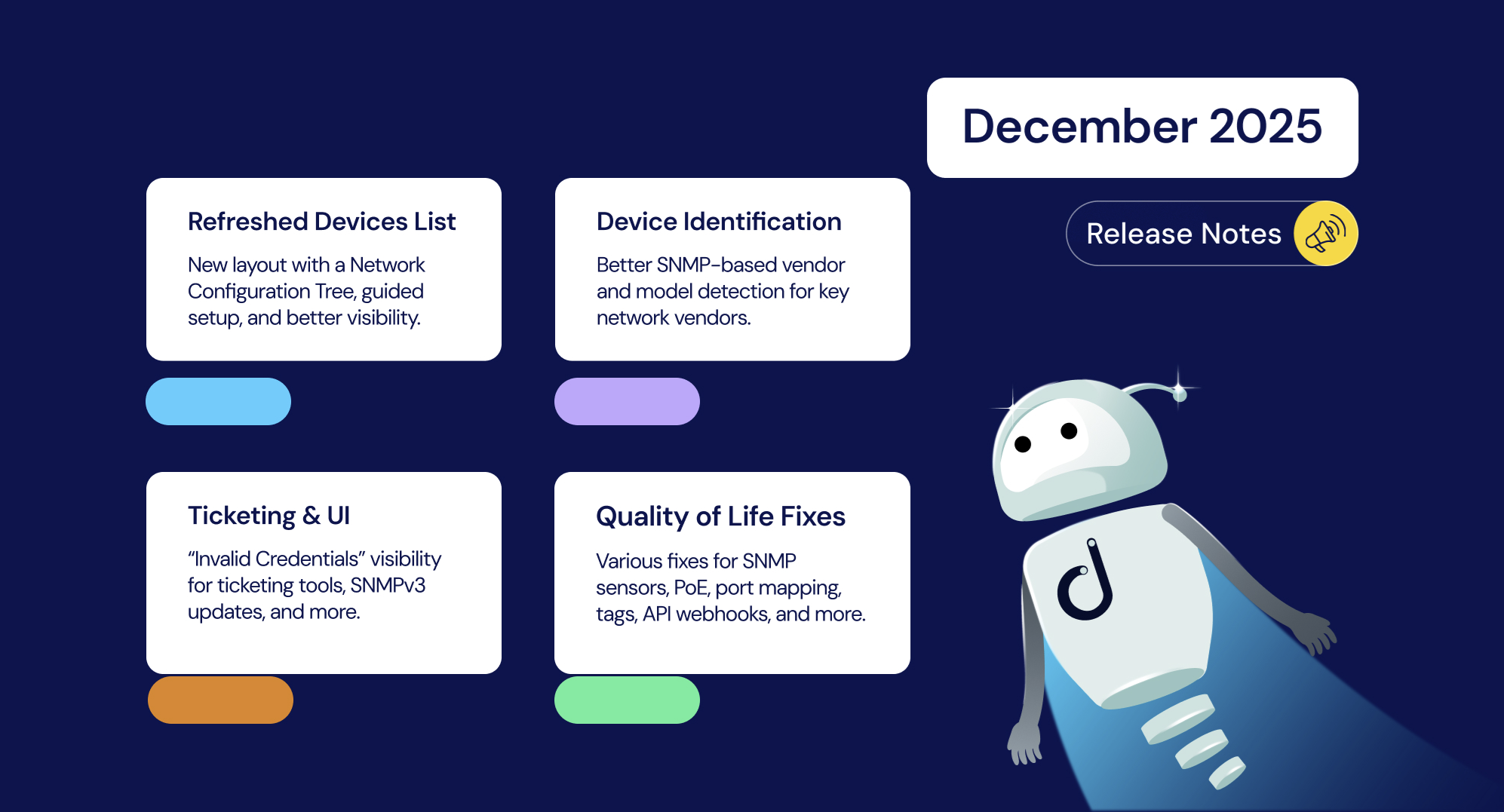



December’s update brings major improvements to the Devices List layout, better visibility into SNMP configuration issues, and refinements to network discovery and configuration management. We’ve also added support for a new MIB, expanded bulk actions, and resolved key issues to improve stability and performance across the Domotz platform.
Let’s recap our last batch of notes that will close out 2025. Happy New Year!
Enhancements
Refreshed Devices List
- Redesigned layout with a Network Configuration Tree, available for setup and filtering
- Guided Setup flow and SNMP Unlock walkthrough experience
- Immediate Device Detail visibility with Side Panel view
- New button on Devices List to quickly open full device view
- Increased Devices List view width for improved readability
Improved Device Identification and Configuration Management
- New SNMP-based identification strategy for Configuration Management for the following brands: Juniper, Fortinet, WatchGuard.
- Improved Vendor/Model/Type detection via SNMP, including WatchGuard VRRP HA Firewalls, and many more brands.
Ticketing Systems and UI Enhancements
- Display “Invalid Credentials” status on Contact Channels view for Ticketing Systems
- Updated Scripts documentation with support for SNMPv3 Context parameter
Public API Updates
- New API endpoints to view and manage device Tags
- New Public API Documentation framework with “Try it out” support
New MIBs
- Netman 208 UPS card
Fixes
SNMP and Sensors
- Fixed: Network Traffic SNMP Pre-Configured Sensor creation and usage issues
- Fixed: ifAliasDummy data type in Network Traffic SNMP Pre-Configured Sensor
- Fixed: “PoE Management” issue on Cisco CBS250-48PP-4G
- Fixed: Port Mapping failures on Cisco 9300/9500 devices with SNMPv3
- Fixed: SNMP Pre-Configured Sensor preventing Monitoring Dashboard creation
- Fixed: WatchGuard VRRP HA Firewall not recognized correctly
- Fixed: Netgear Switch ports and PoE mapping in stacked configs
Configuration Management
- Fixed: Configuration restore failure on Aruba AOS when startup/running configs differ
- Fixed: Issues with Configuration Management on Cluster (grouped-interface) devices
- Fixed: Problem with Aruba AOS devices and Configuration restore inconsistencies
Integrations and APIs
- Fixed: Webhook events not correctly populating the has_history property
Deprecated
- Deprecated support and updates for collectors on the following platforms due to EOL software dependencies:
- Luxul Epic 4 – Model ABR 4500 (BCMXXX architecture)
- Old Synology devices based on BCM53XX architecture