
In collaboration with hardware manufacturers, Domotz has introduced the possibility to grant access to your Domotz Agent directly to a partnered manufacturer’s support team via the Manufacturer Support Tile. This tile is only available if you have devices on your platform that are supported by our partner manufacturers.
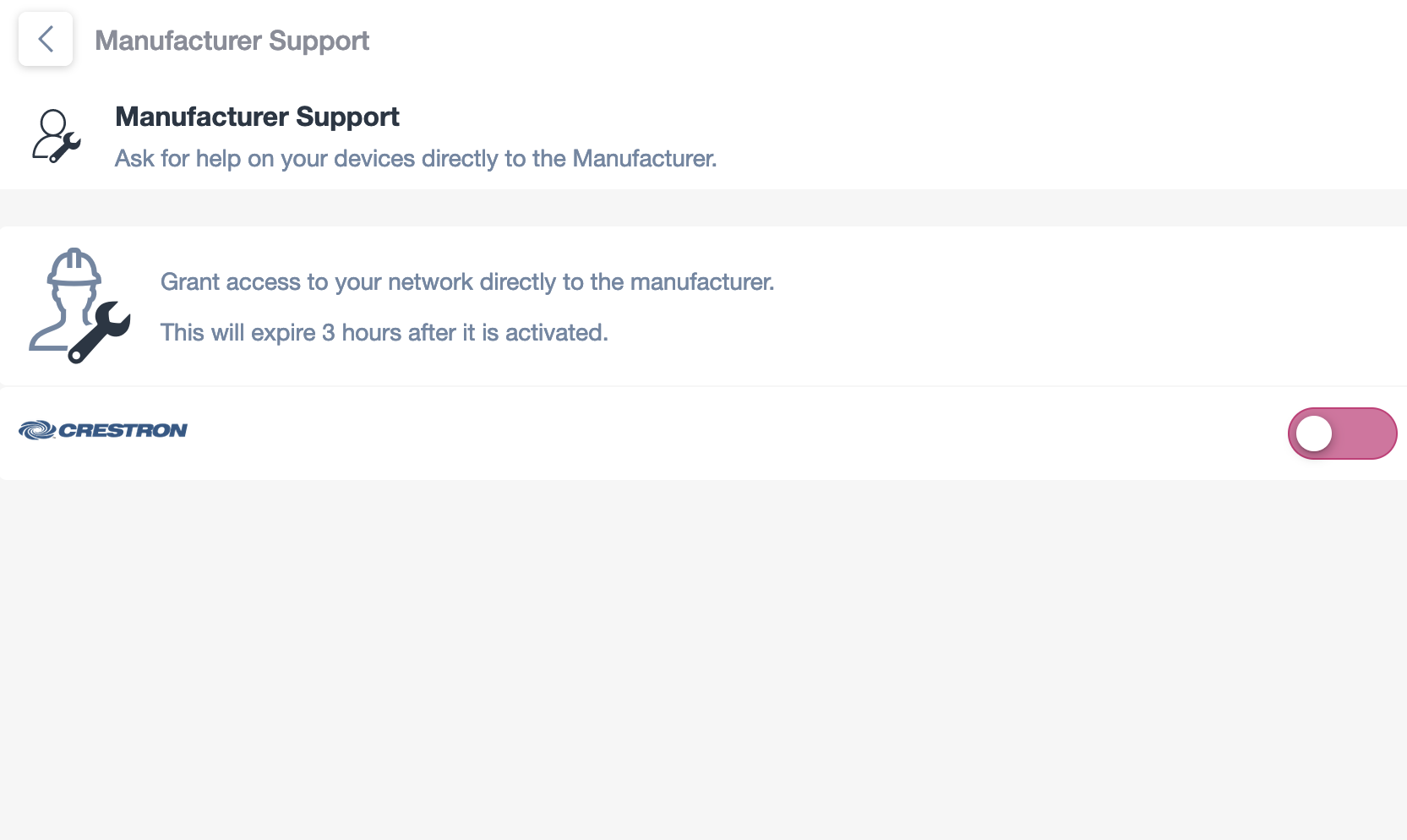
Manufacturer Support Network Access
1. The "Manufacturer Support" section allows you to request help for your devices directly from the manufacturer.
2. Below the support title, there is a description indicating that you can grant network access to the manufacturer, which will expire 3 hours after activation.
3. To enable this access, there is a pink toggle switch on the right side. Slide the switch to the right to activate the timed access feature.
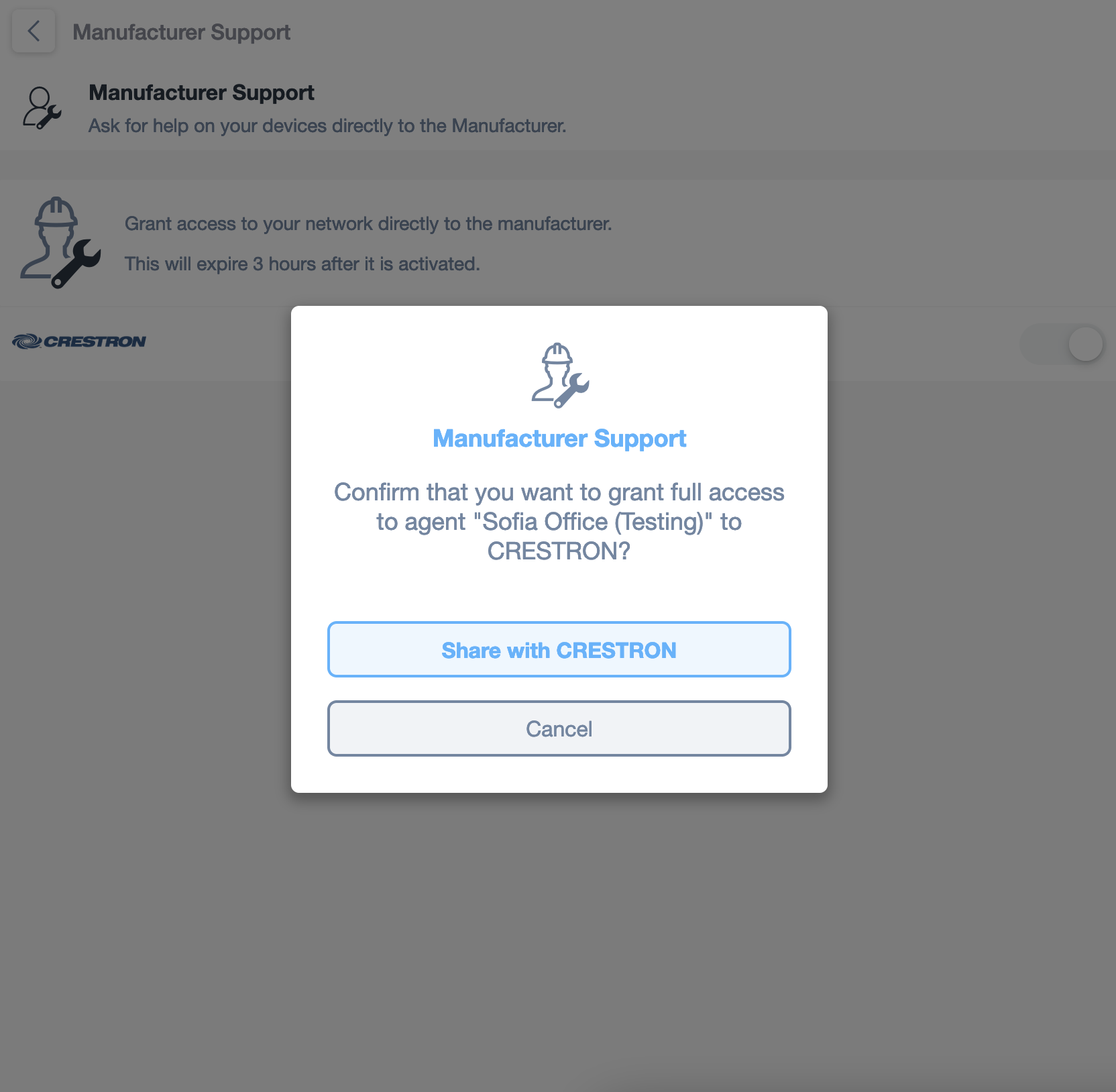
Grant Access for Manufacturer Support
1. Navigate to the "Manufacturer Support" section to request help from the manufacturer directly on your devices.
2. In the pop-up dialog, a message asks for confirmation to grant full network access to the agent "Sofia Office (Testing)" for CRESTRON.
3. To proceed, click "Share with CRESTRON." This grants temporary access for 3 hours.
4. If you do not want to grant access, click "Cancel."
The first screen will contain a list of partner manufacturers that are available to support your devices. The second is the message that you will receive when you enable the access. Please note that this access will expire 3 hours after it is granted so you should contact the Manufacturer’s support team before activating it.