
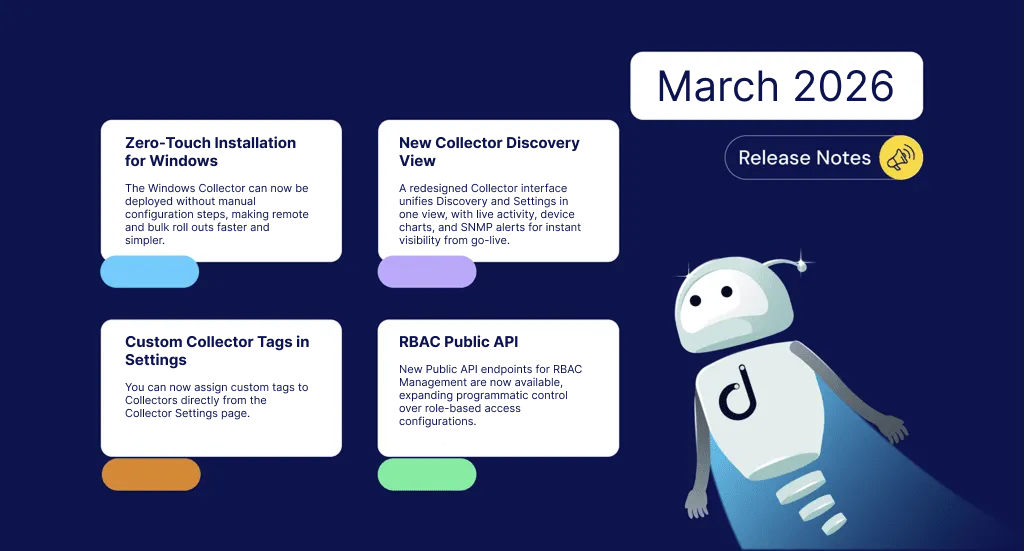


March delivers a major round of updates focused on making it faster and easier to deploy, organize, and monitor your network infrastructure. Highlights include Zero-Touch Installation for Windows Collector, a redesigned Collector Discovery View with real-time setup activity and network insights, and Custom Collector Tags to help you organize and filter your environments more flexibly. We’ve also expanded the Public API with new RBAC endpoints, added new MIB support, improved Network Topology and the Checkout Flow, and more throughout the platform.
Questions about something you see or need some guidance? Reach out to us at support@domotz.com.
Let’s get started.
New Features and Integrations
Zero-Touch Installation for Windows Collector
Windows Collector can now be deployed without manual configuration steps, making remote and bulk roll outs faster and simpler.
New Collector Discovery View
A redesigned Collector interface brings Discovery and Settings together in a single view. You can now see incremental discovery activity as it happens during installation, with device bar charts, SNMP Wrong Credentials alerts, and quick access to settings from the side menu — giving you clearer visibility into your network from the moment a Collector goes live.
Custom Collector Tags
You can now assign custom tags to Collectors directly from the Collector Settings page, enabling filtering and organization across the Inventory Dashboard. Newly created Collectors also now immediately appear as online, providing instant confirmation that setup is working correctly.
Autodiscovery in the Discovery Page
The Discovery Page now includes an Autodiscovery feature, enabling automatic network scanning for faster initial setup.
UPS Input Voltage Monitoring
Input Voltage monitoring has been added to the UPS Basic Info SNMP Template, enabling voltage tracking for UPS devices alongside existing power metrics.
RBAC Public API
New Public API endpoints for RBAC Management are now available, expanding programmatic control over role-based access configurations.
Default Sensors and Dashboards for New Trial Accounts
New trial accounts now automatically receive TCP and SNMP Pre-Configured Sensors and a default Networking Devices Overview dashboard — organized across categories including Network Infrastructure Health, Firewall & Security, Server Hardware Health, Storage & NAS, Power & UPS, Wireless Performance, and more — helping new users get value from day one.
New MIB Support
Added support for the following new devices:
- Inveo
- RUCKUS Unleashed Wireless Access Points
- LIEBERT/VERTIV PDUs
- Zyxel Firewalls
- Fujitsu
- Mitel PBX
- D-Link DGS3130 Series Switches
- HH3C (H3C Networking Equipment)
- GUDE Systems
New Integration Script
Ubiquiti/Unifi UPS Tower — monitor battery level, charging status, output voltage/current/power, and remaining runtime for UPS devices connected to Unifi Controllers.
Enhancements and Improvements
Checkout Flow
The Checkout Flow has been redesigned with improved Free Plan Selection and Data Loss Warnings, a cleaner Checkout Entry and Device Review flow, and better handling of edge cases including zero managed devices and bundle purchases.
Public API
Increased the Public API key limit per account, giving users more flexibility to generate and manage multiple API keys.
Monitoring Dashboard
Optimized the update strategy for Monitoring Dashboard tables with more than 100 entries, improving load performance on larger environments.
Collector Troubleshooting
Network Collector Troubleshooting now supports triggering firewall checks directly, helping diagnose connectivity issues without leaving the platform.
UI Persistence
The Devices List SideColumn collapsed state is now persisted across sessions, reducing the need to reconfigure your view each time.
Network Topology
- External Hosts connected to the Internet node are now visible in the Network Topology, with an option in Topology settings to toggle this behavior on or off
- Topology settings are now persisted at the account level for consistency across sessions
- The Device Details side panel can now be closed using the ESC key for faster navigation
VLAN Configuration
- VLAN Configuration now prevents users from assigning network addresses, reducing misconfiguration risk on collector networks
- The VLAN Configuration Wizard has been improved to prevent address conflicts with IP ranges and IP lists